EAC - Translate Text
Description
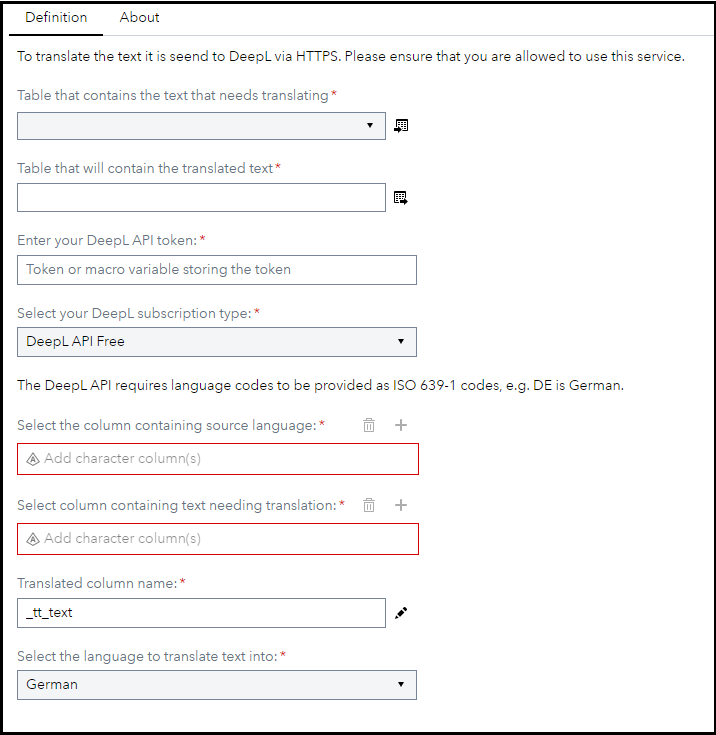
The EAC - Translate Text custom step enables SAS Studio users to translate text using the DeepL API. This custom step supports both the free and the paid DeepL API, but it only supports the translation of strings and not whole documents.
User Interface
Requirements
2023.04 or later
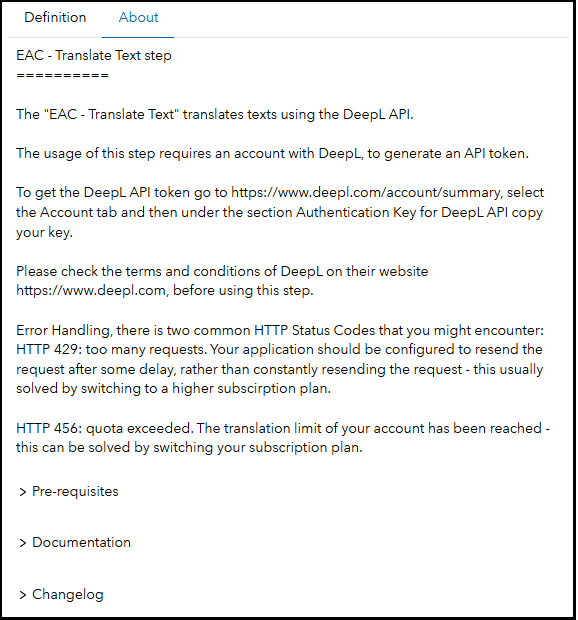
You need a valid API key from DeepL, which also requires you having an active account with them. For commercial use of DeepL please check their website.
Currently the default translation dropdown comes implemented with German (DE), English (EN), French (FR) and Italian (IT) - you can expand this list if needed through the SAS Custom Step Designer by editing the dropdown list element with the ID targetLang. For a list of all supported languages please refer to the DeepL API documentation.
Usage
Find a demonstration of this step in this YouTube video: Translate Text | Custom Step
Also you can find an example SAS Studio Flow in this folder Translate Text Example.flw
Change Log
- Version 1.1 (03JAN2025)
- Added EAC category name prefix
- Updated the About page to the current template
- Version 1.0 (10MAY2023)
- Initial version